What is embedded analytics?
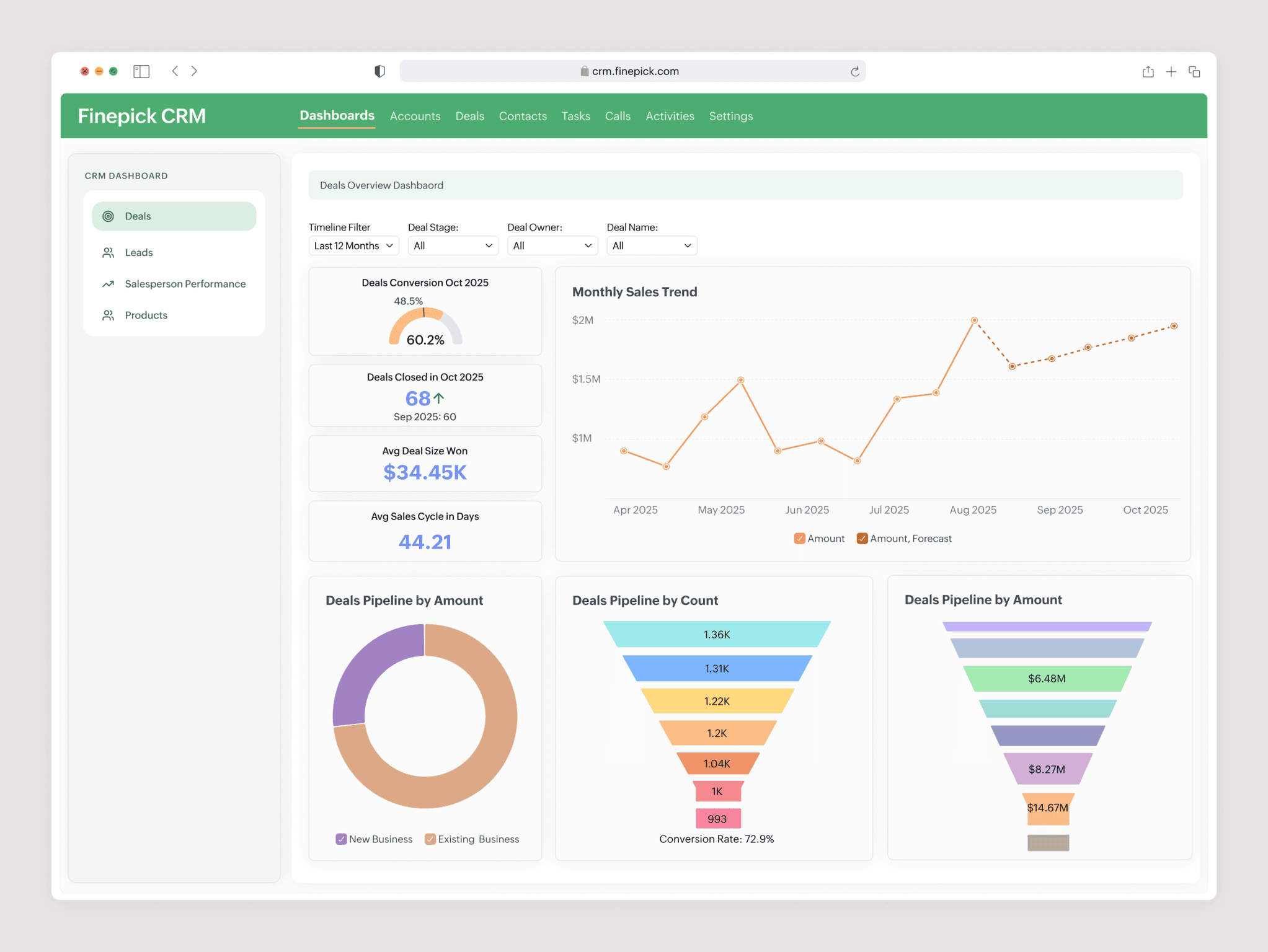
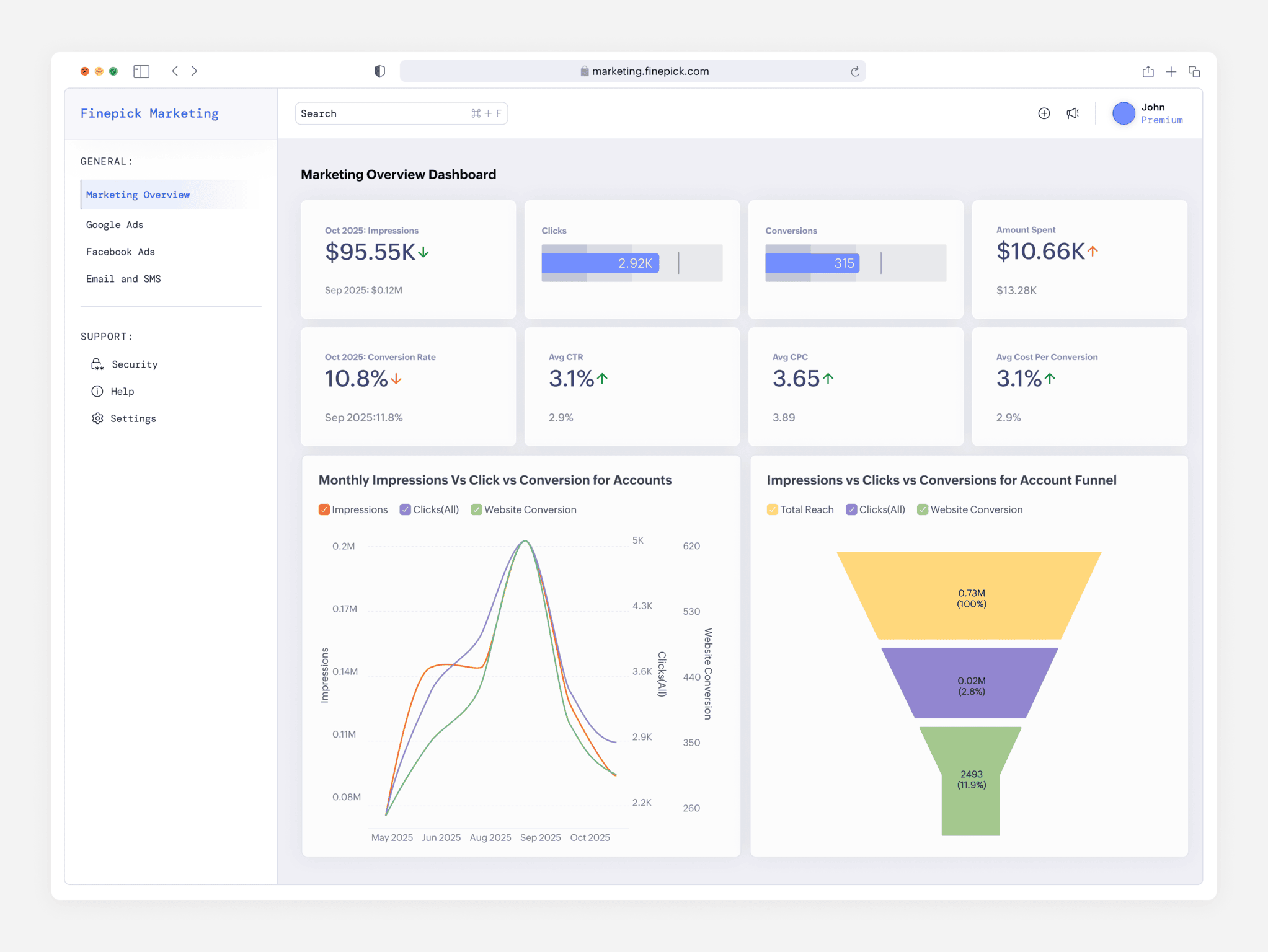
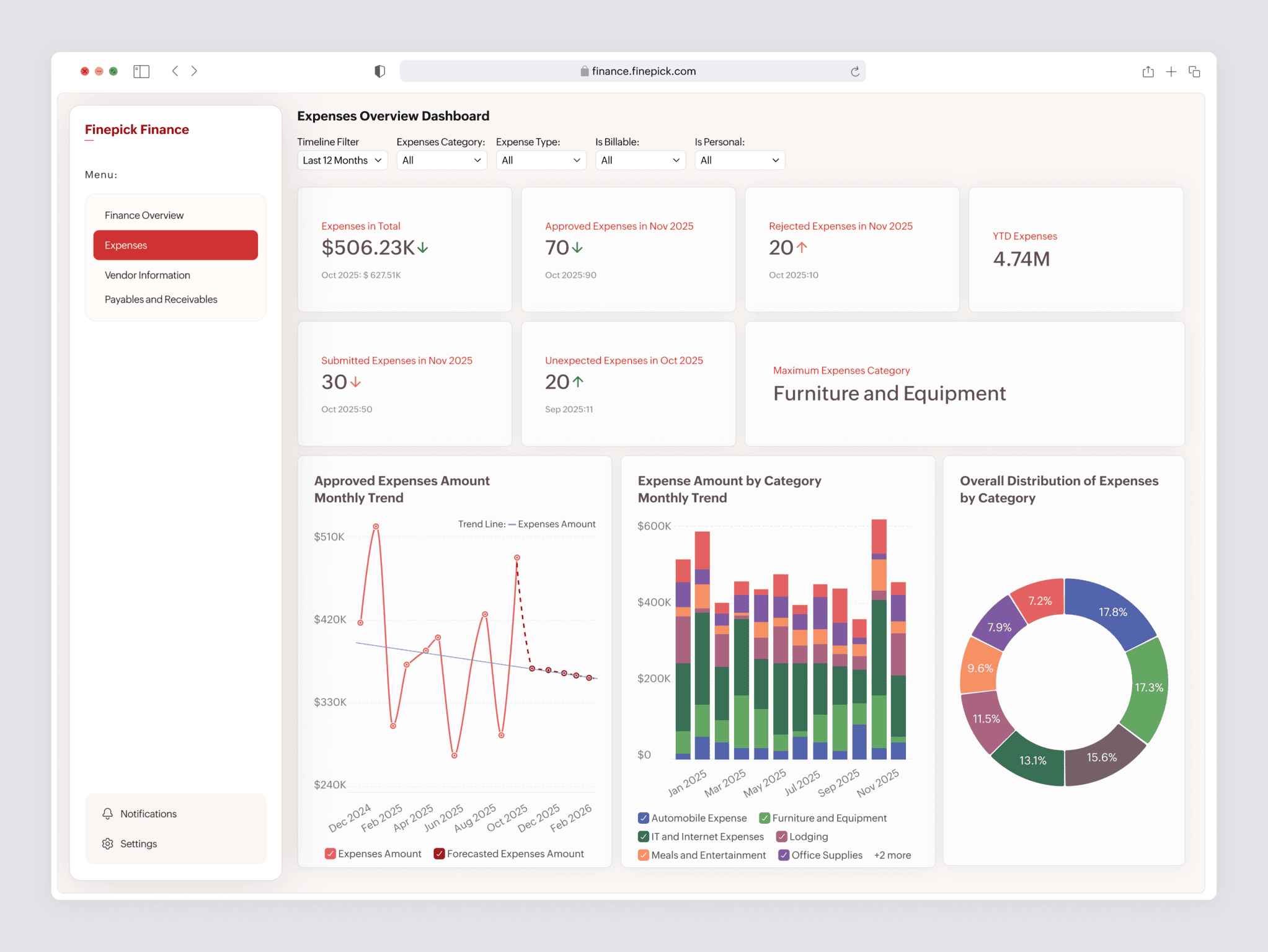
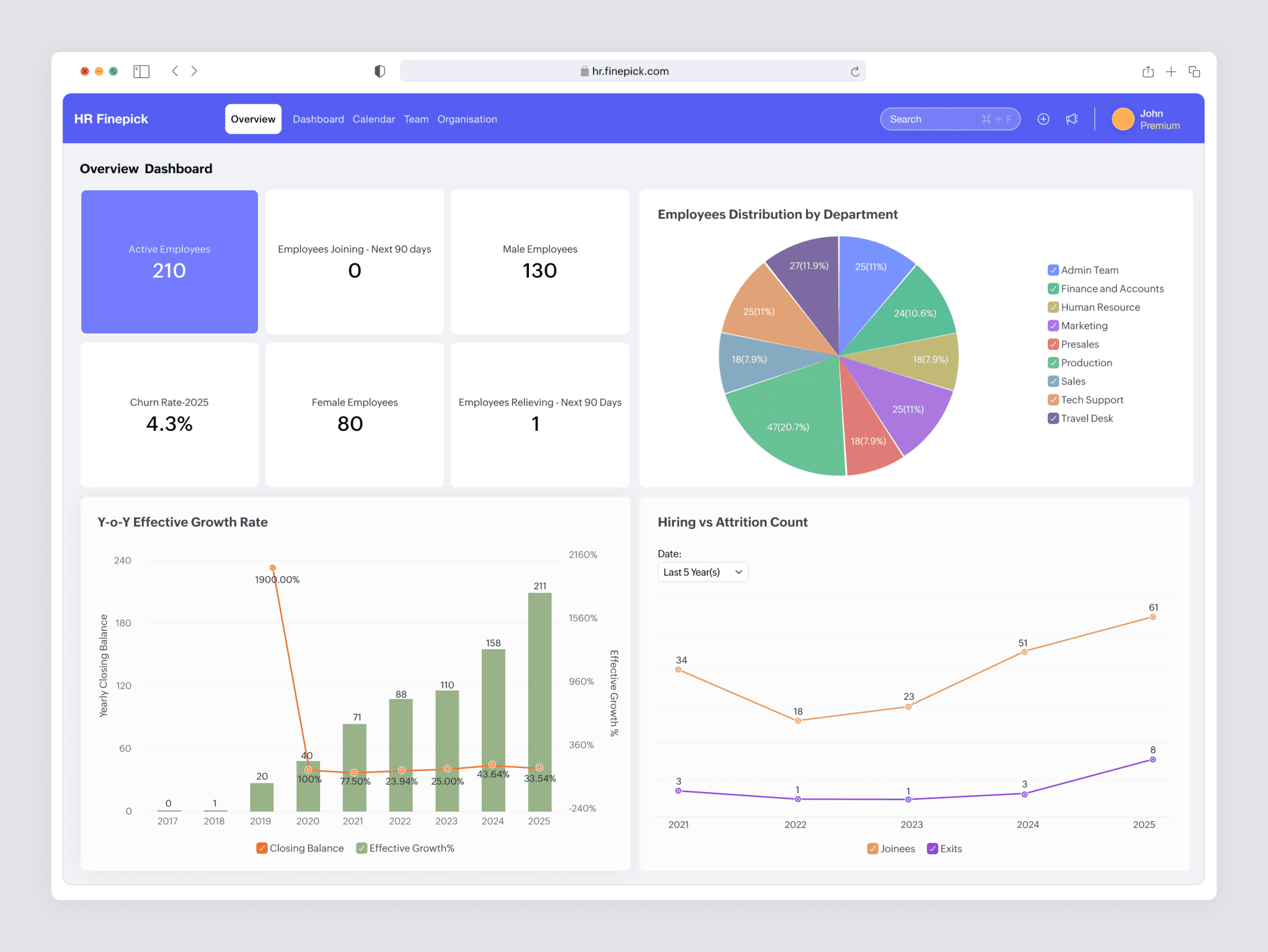
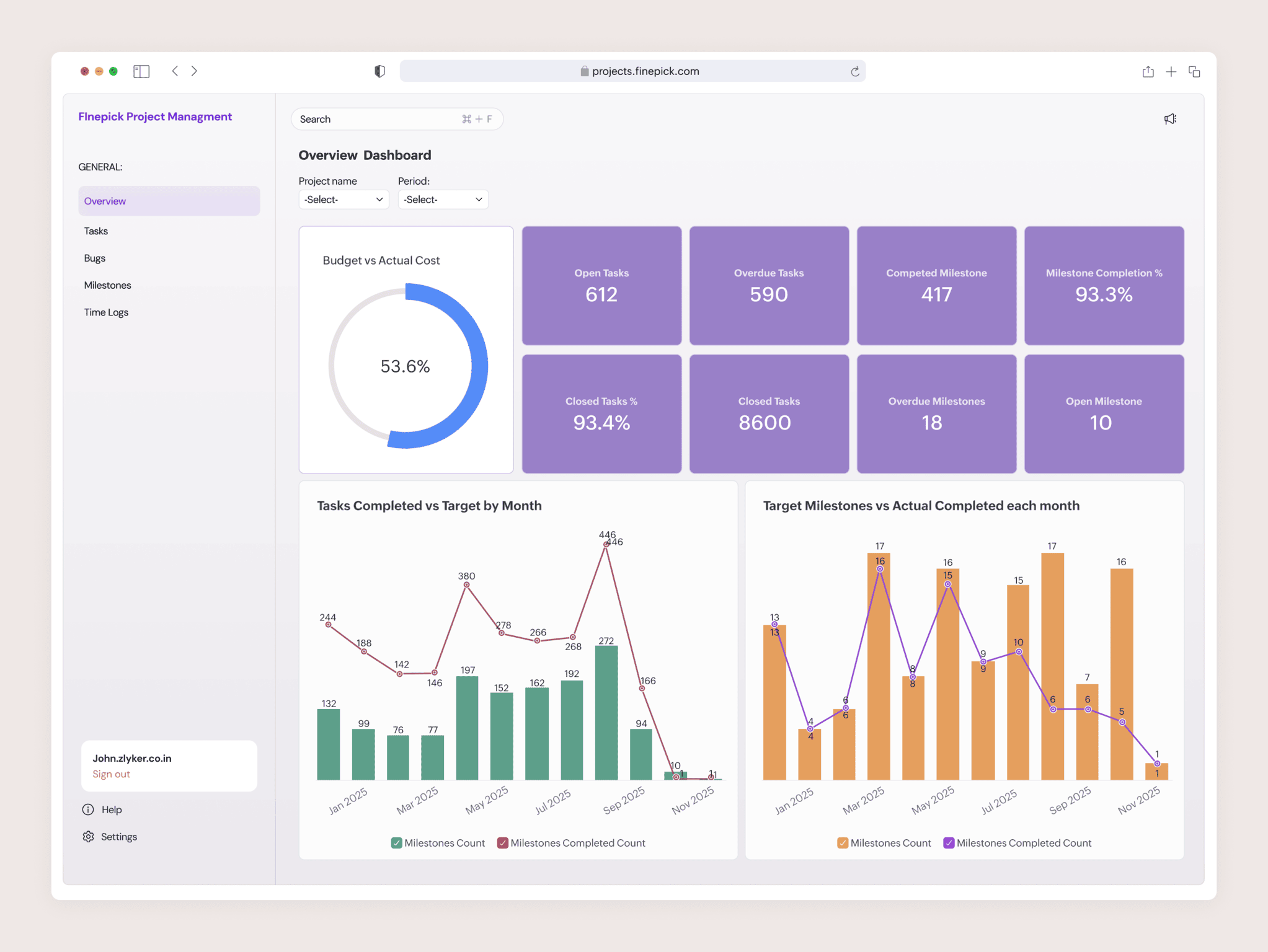
- Embedded analytics refers to the integration of analytical capabilities such as dashboards, reports, and data visualizations directly within software applications. Instead of requiring users to access a separate business intelligence platform, embedded analytics delivers contextual insights inside the application where users already work, enabling faster and more informed decision-making.
How does embedded analytics work?
- Embedded analytics works by integrating an analytics layer into a software platform through APIs, authentication systems, and application interfaces. Application data is processed by the analytics engine and rendered as dashboards or reports within the product interface, while access controls ensure that users see insights relevant to their roles and tenant environments.
What is the difference between embedded analytics and traditional BI?
- Traditional business intelligence tools operate as separate platforms where users must log in to analyze data. Embedded analytics integrates analytics capabilities directly within a business application, allowing users to access insights inside the workflows where they already operate. This contextual delivery improves adoption and decision continuity(Find out more about traditional BI vs embedded analytics).
What should organizations look for in an embedded analytics platform?
- When evaluating an embedded analytics platform, organizations typically look for capabilities such as secure embedding, API-driven integration, multi-tenant architecture, scalable performance, and role-based access controls. These capabilities ensure that analytics can evolve alongside the product as customer environments and usage patterns grow.
Why do SaaS platforms embed analytics into their products?
- SaaS platforms embed analytics to provide customers with in-product insights that help them monitor performance, analyze trends, and make data-driven decisions. Embedded analytics can also strengthen product differentiation, increase user engagement, and create opportunities for advanced analytics offerings. (Know more about embedded analytics for SaaS.)
Can embedded analytics support AI-driven insights?
- Yes. Modern embedded analytics platforms increasingly incorporate AI capabilities such as automated insights, natural language queries, and predictive analytics. These capabilities allow applications to deliver deeper intelligence directly within user workflows.
What are the best tools for customer-facing analytics, and what makes a tool suited to it?
The best tools for customer-facing analytics let you embed interactive dashboards into your product for your end customers, isolate each customer's data securely, and scale to a large external user base without heavy engineering or runaway per-user cost. Customer-facing analytics is not internal BI pointed outward. Your users are your customers, not your staff, so the bar for security, self-service, and branding is higher.
Zoho Analytics fits this profile: embedding into customer-facing apps and portals through iframe, API, or white-label deployment, role-based access for tenant isolation, self-service exploration for non-technical users, connectivity to 500 or more data sources, and native mobile apps so customers reach their dashboards on any device (Know more about embedded dashboards).
Two common shapes for customer-facing analytics: a SaaS product giving each user account its own in-app dashboards, and a service business or agency giving each client a branded portal to check their own numbers on demand. The first weights embedding and scale; the second weights branding and per-client setup speed(Know more about client dashboard software).
Should we build customer-facing dashboards ourselves or use an embedded analytics platform?
Building customer-facing dashboards is not one decision. It commits your team to build and run a full analytics stack: a charting layer kept working across browsers and devices, a query engine that serves dashboards without degrading your application's database, a multi-tenant permissions model that isolates each customer's data server-side, and the caching and scaling that keep all of it responsive as customers and data volumes grow. Every layer is a system you own and maintain indefinitely, and the permissions layer is the one where a mistake becomes a data breach.
An embedded analytics platform provides that stack as a product. You embed through iframe or API, and the charting, query handling, permissions, caching, and scaling are maintained for you. Building yourself is justified when the analytics architecture is itself a differentiator you need to control. When it supports your product rather than being the product, embedding removes the layers you would otherwise own for good. Zoho Analytics provides this architecture: iframe or API embedding, a managed query engine, role-based and row-level isolation, and platform-handled scaling, across connectivity to 500 or more data sources.
What are the top embedded analytics vendors for SaaS, and which has the best pricing per active user?
For a SaaS product, the pricing model matters more than the per-user rate. Embedded analytics is usually priced one of four ways: per-user or per-viewer, where cost rises with the number of people accessing reports; usage-based, tied to activity such as API calls or active sessions; revenue-share or OEM licensing, tied to the revenue your product earns; and infrastructure-based, tied to server allocation rather than access volume. Per-active-user pricing is simple to reason about, but its cost tracks your user base most directly, so it can erode margin as you scale. Account-based and OEM or revenue-share models tend to protect SaaS unit economics better, since cost follows accounts or revenue rather than every active user. The right question is not who has the lowest per-user rate, but which model matches how your product grows, so model your options against projected growth before committing. Zoho Analytics supports multi-tenant, white-label, and OEM embedding, with pricing quoted to the deployment model rather than a fixed per-user rate.
Which data analytics vendors are recognized for the best embedded analytics features?
Embedding is easy to claim and harder to prove, so the vendors with the strongest embedded features tend to show up in independent analyst evaluations, not just their own marketing. When you shortlist, verify each vendor against evidence rather than feature checklists: independent analyst recognition for embedded BI specifically, customer references at your tenant and user scale, and a capability set built for embedding at the platform level rather than a dashboard bolted onto the product. That capability set centers on five things: multi-tenant architecture that isolates each customer's data at the platform level, API and SDK-driven provisioning of workspaces and permissions, role-based access and row-level security enforced by the engine, tenant-level white-label branding, and pricing that scales on accounts or usage rather than per active user. Zoho Analytics is built to this standard, with tenant isolation, roughly 150 REST and JavaScript APIs for lifecycle automation, in-application dashboard authoring, and connectivity to 500 or more data sources. It was ranked #2 in Dresner Advisory's 2024 Embedded Business Intelligence Market Study and named an accelerator in the Nucleus Research Embedded Analytics Technology Value Matrix 2025.
Which embedded analytics platforms are easiest to integrate?
The embedded analytics platforms easiest to integrate give you more than one embedding path and automate the setup work, so you match integration effort to what each part of your product needs. Look for three things. First, a range of embedding methods: iFrame for the fastest drop-in, JavaScript SDK for a native-feeling component, and REST APIs for deep control, so a simple dashboard doesn't force a complex integration. Second, API-driven provisioning that creates workspaces, users, and permissions automatically as customers onboard, rather than manual setup that breaks past a handful of tenants. Third, prebuilt connectors, dashboard templates, and developer tooling like documentation and an API playground, which cut down the build from scratch. Judged this way, integration effort is usually measured in weeks rather than quarters. Zoho Analytics offers all three embedding methods, roughly 150 REST and JavaScript APIs for provisioning and embedding, connectivity to 500 or more data sources, and an in-product dashboard editor, so teams integrate without building an analytics stack themselves. See the embed API and embedded analytics architecture for the integration surface.
What are the best embedded data visualization tools?
The best embedded data visualization tool depends on your stack and audience, but the 2026 field sorts into three groups. Established BI suites — Power BI Embedded, Tableau Embedded, and Looker — suit teams already on Microsoft, Salesforce, or Google Cloud, though per-user and capacity pricing gets costly at scale. Purpose-built platforms like Sisense, Qrvey, and ThoughtSpot Embedded are designed for customer-facing analytics with stronger multi-tenancy and white-labeling, while developer-first tools such as Cube, Embeddable, and Luzmo use SDKs and web components so dashboards feel native to your app (Metabase is the go-to open-source pick). Zoho Analytics is a strong all-in-one contender, pairing white-labeled iframe/API embedding, 500+ connectors, Ask Zia AI querying, and SOC 2 Type II, ISO 27001, GDPR, and HIPAA compliance with pricing well below the enterprise incumbents. To choose, weigh the factors that actually decide embedded builds: multi-tenancy, embedding method, white-label depth, pricing at your user scale, and whether AI features are grounded in a governed semantic layer.
What makes the best embedded analytics SDK with AI, and how do I evaluate one?
The best embedded analytics SDK with AI gives developers programmatic control over embedding and brings AI capabilities into the embedded experience, rather than leaving AI as a separate feature users open elsewhere. Judge an SDK on four things: the depth of its embedding controls through REST and JavaScript APIs; whether AI features like natural-language query, forecasting, and automated insights are exposed through the same integration; whether those AI outputs respect the user's role and tenant permissions when embedded; and whether you can govern which data the AI can reach. An SDK strong on rendering but shallow on AI leaves you bolting intelligence on later. Zoho Analytics provides roughly 150 REST APIs and JavaScript APIs for embedding, with Ask Zia delivering natural-language query, forecasting, and automated insights inside the embedded experience under the same access controls. See the embedded BI and AI-powered embedded analytics capabilities.
How does Zoho Analytics support embedded analytics?
Zoho Analytics enables organizations to embed analytics directly within their applications through secure multi-tenant architecture, API-driven environment management, and configurable dashboards and reports. Product teams can integrate analytics seamlessly into their platforms while maintaining control over user access, tenant environments, and the overall embedded experience.