Zoho Analytics offers extensively customizable white label solutions for independent software vendors (ISVs), OEMs, agencies, and any business that needs a ready-made analytics layer to offer under their own brand.
Whether you are a SaaS company embedding analytics into your product, a consultancy delivering branded reports to clients, or a business that wants to stop emailing spreadsheets, there is a white label model designed for your setup.
Benefits of Zoho Analytics White Label
- Fully featured BI, reporting and analytics platform
- Fast implementation
- Seamless integration within your product/service
- Customizable logo, login page, URL (from your own website)
- Single sign-on (use your own authentication system)
- In-built collaboration with fine-grained access control
- Provide embedded analytics to your users from within your app
- Self-service BI for your users
Zoho Analytics offers two broad types of white label BI solutions.
- White label without SSO
- White label with SSO (single sign-on)
The SSO-based option further breaks down into two distinct implementation models depending on what your users need to do inside the analytics environment. We will cover all options in detail below.
1. White Label without SSO
This option can be used by everyone other than SaaS solution providers.
- Companies from all verticals/industries (hospitality, real estate, manufacturing, automotive etc) who are mailing Excel attachments as reports to their clients every month.
- Analysts having lots of data to be reported upon/analyzed.
- Installable software vendors (who would want an online reporting/dashboard service accessible from anywhere anytime).
Your clients can build ad-hoc reports too, on top of what you offer by default. We have setup a demo of this second option at https://analytics.finepick.com.
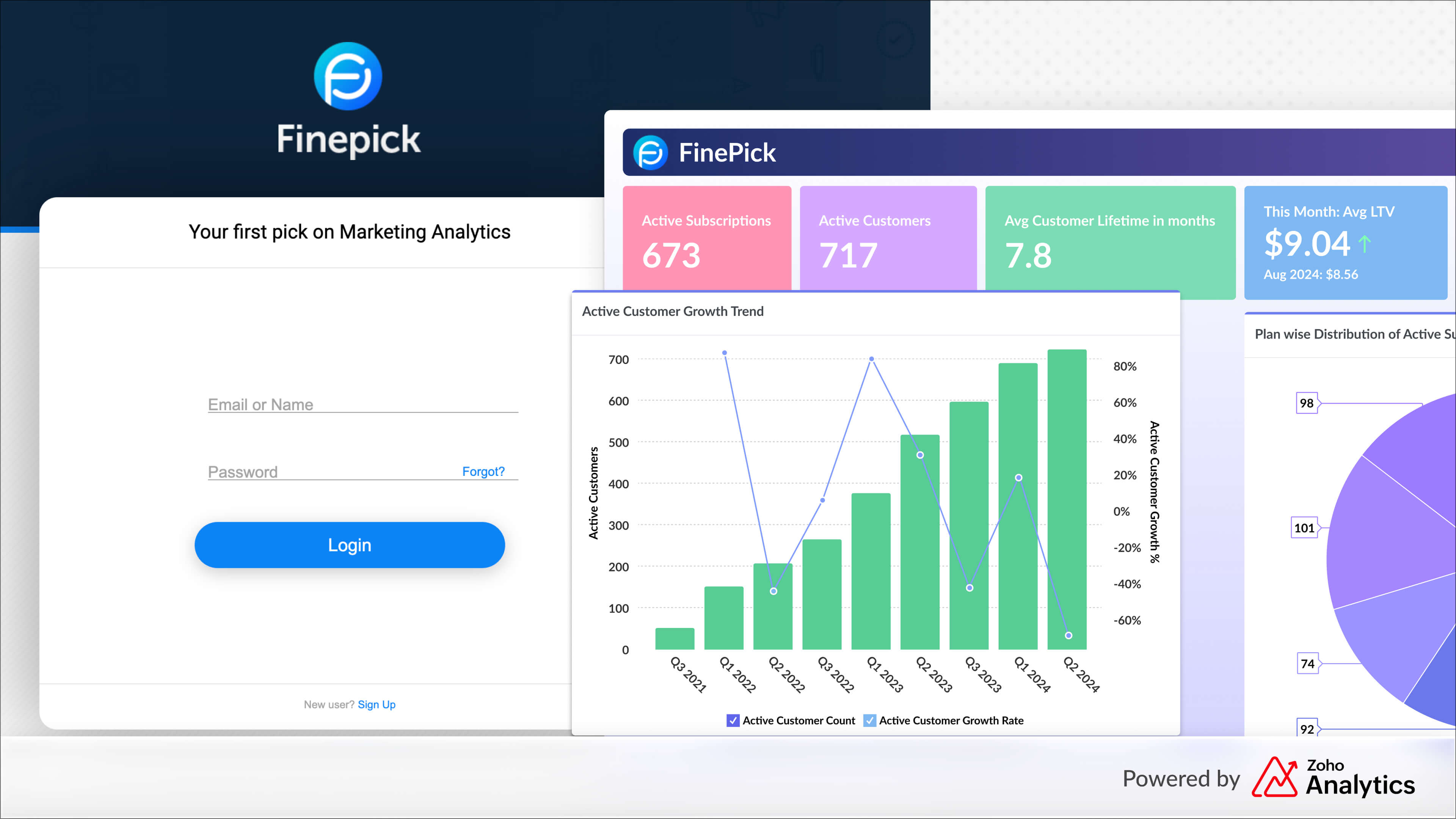
Similar to the page you see above, your white label solution can have a web page served from a URL of your website, like say https://analytics.mywebsite.com. Once the user logs in, she will see a customized, white label version of Zoho Analytics with your own logo and top-band, being served from your own website, with your website URL, your logo, your customized page.
2. White Label with SSO
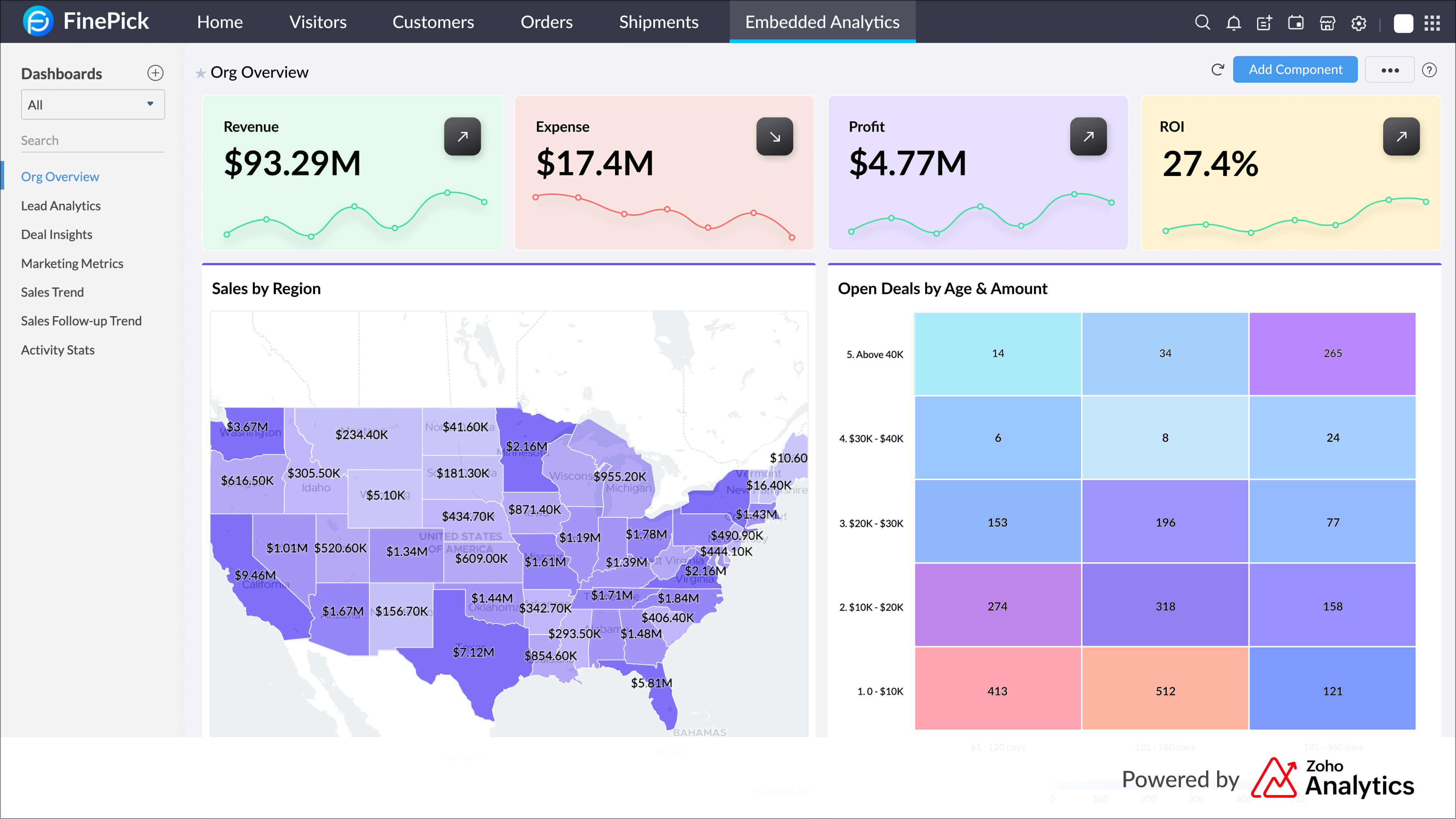
The SSO-based option is built for SaaS providers and ISVs who want analytics to feel like a native part of their application. Users never see a separate login screen. They log into your product, navigate to an analytics or reports section, and Zoho Analytics loads invisibly in the background, branded entirely as your own.
2a. SSO Embedded (Full Workspace)
This is the full-featured option. When a user clicks into the analytics section of your application, they get access to a complete Zoho Analytics workspace, embedded and white-labeled inside your product. They can view reports and dashboards, and depending on the permissions you assign, they can also build their own reports, explore data, collaborate with teammates, and configure alerts.
You control how much access each user gets. Permissions range from read-only viewer roles up to Workspace Admin, giving you the flexibility to create tiered analytics experiences within a single product.
Authentication is handled through JWT or SAML. Setup requires engineering effort to configure the SSO integration between your application and Zoho Analytics, but once in place it runs transparently for end users.
Who this is for:
ISVs and SaaS providers who want to give customers a self-service analytics environment inside their product. This is the right model when your customers are expected to build dashboards, explore data on their own, and genuinely use analytics as a core part of your product's value, not just as a read-only output.
Key features:
- Full Zoho Analytics workspace embedded inside your application
- No second login for end users (seamless SSO via JWT or SAML)
- Complete white-labeling including logo, subdomain, and product name
- User permissions configurable up to Workspace Admin
- Self-service dashboard creation and ad hoc reporting for end users
- Multi-tenant data isolation per customer organization
- REST APIs and JavaScript APIs for deep programmatic control
- Requires engineering resources for SSO setup
2b. Embed API (Report and Dashboard-Level Embedding)
The Embed API is a developer-focused implementation model designed for embedding specific reports and dashboards directly into your application's pages or workflows, rather than exposing a full analytics workspace.
Instead of routing users to an analytics section of your product, individual visualizations appear inline within your existing UI. A billing page might show a revenue chart. A supply chain dashboard might show live inventory stats. Your sales module might display pipeline metrics. The analytics live where the user already is, not in a separate area they have to navigate to.
Access is granted through time-bound embed tokens generated programmatically via the REST API. These tokens are user-specific and expire after a set duration (ranging from 1 minute to 1 day), meaning every session is authenticated on demand without exposing persistent credentials. Users can filter, sort, drill down, and hover to explore data interactively. What they cannot do is create or edit reports, because this model is built for consumption at scale, not authoring.
For ISVs serving large numbers of end users who need to view and explore analytics but not build them, the Embed API is the more efficient and cost-effective path.
Who this is for:
ISVs and SaaS providers with high-volume, view-heavy deployments. This is the right model when your end users are primarily consuming analytics built by your team, not creating their own. It works well for products with hundreds or thousands of concurrent viewers across many tenants.
Key features:
- Embed specific reports and dashboards at the page or component level
- Access via iFrame embedding or full SDK integration for deeper control
- Time-bound, user-specific embed tokens generated through the REST API
- SSO-based authentication without persistent session exposure
- User-level personalization via dynamic parameters (role, region, tenant, etc.)
- Interactive exploration: filters, sorting, drill-downs, hover actions
- No report authoring or editing for end users
- Domain whitelisting and role-based access scoping
- Scales efficiently across large viewer populations
Using Both SSO Models Together
SSO Embedded and Embed API are not mutually exclusive. A common pattern: power users such as analytics admins get the full SSO Embedded workspace to build and configure dashboards, while the broader end-user base gets the Embed API experience to view and interact with reports and dashboards inline. Both models can run inside the same product, serving different user populations simultaneously.
Choosing the Right Model
The right model depends on what your users need to do inside the analytics layer.
| Without SSO | SSO Embedded | Embed API | |
| Setup complexity | No code | Requires SSO integration | Requires API/SDK integration |
| User login | Separate branded portal | Seamless, inside your app | Seamless, inside your app |
| What users can do | View + build reports | View + build reports (permission-based) | View + interact only |
| Report authoring | Yes | Yes (configurable) | No |
| Permission range | Standard portal roles | Up to Workspace Admin | Read-only with interactivity |
| Best for | Agencies, consultancies | ISVs with self-service analytics | ISVs with large viewer-only audiences |
| White-labeling | Full | Full | Full |
Do get in touch with us if you are interested in a full-fledged, ready made white label BI / embedded analytics solution.
Read: Why Zoho Analytics is the best-kept secret in white-label and embedded BI.
Related posts

Looks like a great solution. Is it HIPAA-compliant? Would you be willing to sign a Business Associate Agreement to that effect?
Hello - I want set the PI parameter for my internal process, finding very difficult to set. Can you help me out
any login details for the non-sso demo that has data?
Ade: If you can let us know your Zoho ID, we can share the demo credentials with you. Write to us at support@zohoreports.com.
Interested to examine a White Label patnership with Zoho and our company.
Haris: Thanks for your interest. Mail us at support@zohoreports.com and we can fix up a call.
Hi,I noticed the White Label with Reports and Support (probably for testing.) We wanted the White Label a few months ago as to create seamless integration with a unique look and feel. Even with Zoho Business Mailsuite, Reports and Support appear seamless! This was a much needed advancement for SaaS delivery and integration.Thank you,
Mario F. Stevenson