Live Webinar Tool for Interactive Online Events.
Live webinars are real-time event conducted to connect with your audience, showcase expertise, and drive measurable results. Host and join free online webinars using Zoho’s all-in-one live webinar tool. Learn more.




What makes Zoho’s live webinar platform unique?
Seamless browser-based sessions
Host and join live webinars directly from the browser of your choice without downloading any additional apps. Zoho’s live webinar app is compatible with all major browsers and platforms.

Avant-garde security
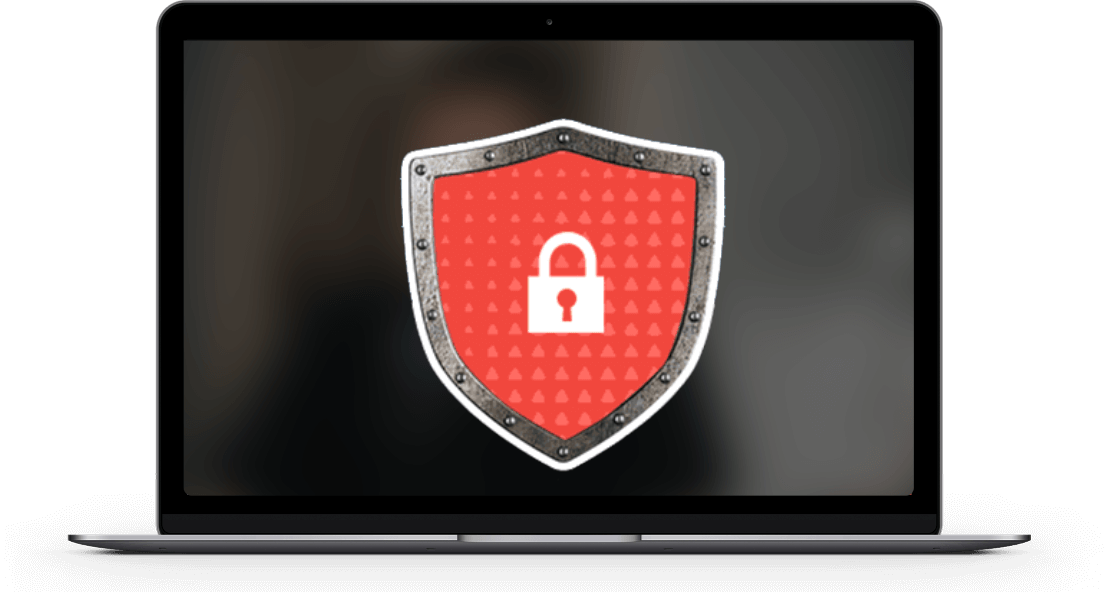
With Zoho's webinar software, security is our number one priority. Our live webinar audio and video feeds are encrypted using TLS 1.2 DTLS-SRTP encryption.
Complete customization
Redesign your live webinar hosting experience based on your preferences. Take complete control and rebrand your live webinars to match your organizational prospects.

Upscale webinars in
just a click
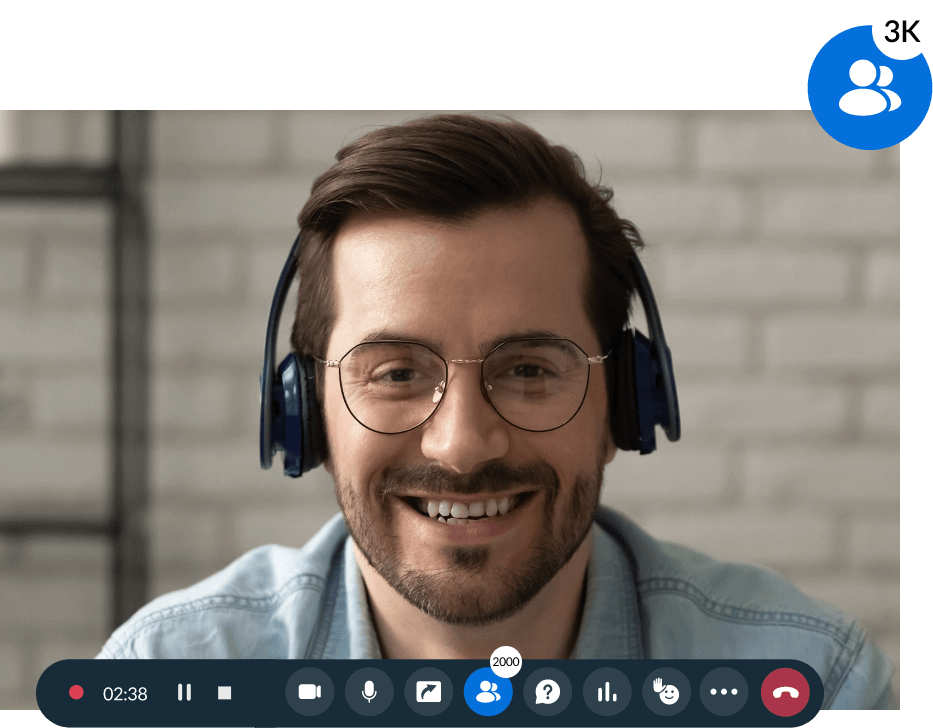
Host large-scale virtual conferences and town halls and engage with up to 5,000 attendees in a single webinar.
Boost your business growth
Live video webinars
Zoho Webinar’s live webinar technology is backed by comprehensive WebRTC multipoint conferencing unit-based architecture, which helps you enjoy a hassle-free webinar experience.

Virtual backgrounds
Webinar presenters can use virtual backgrounds to display a consistent video feed throughout their live webinar session. A clear background will help attendees follow the presenter without any distractions.
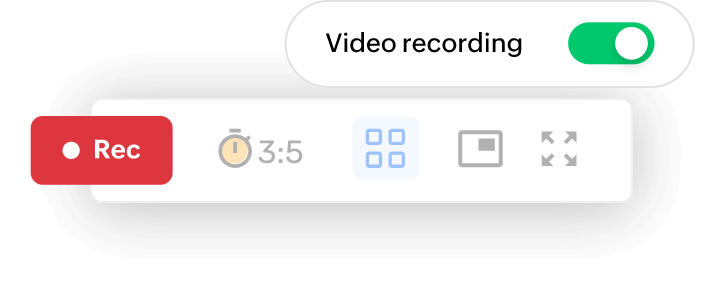
Session recording
Record your webinar sessions to share with anyone who missed out on the live meeting. Session recordings can help attendees stay in the loop, and they can also be used for future reference.
Screen sharing
Screen sharing can help you in situations where you need to explain intricate concepts during the presentation, and it will also help you share your data and ideas more efficiently. Screen sharing can be used to train internal teams, conduct demonstrations, and much more.
Attendee engagement
Increase engagement by asking your attendees questions or starting off with an audience survey. Conduct surveys and polls to gather information from your audience so you’ll know where to direct your engagement efforts.
Session analytics
Monitor attendee engagement for all of your webinar sessions in one place. Use key metrics such as session count, session duration, and session history to analyze your past webinars and gather useful insights. Choose a period and export reports with the click of a button.

Live streaming
Broadcast your webinars live across popular platforms like YouTube, Facebook, and LinkedIn with Zoho Webinar. Deliver high-quality, interactive sessions with real-time chat, polls, and Q&A to engage a larger audience seamlessly.

Live transcripts
Get accurate, real-time captions of your webinars to improve accessibility and audience comprehension. Live transcripts help attendees follow along easily and ensure no information is missed during the presentation.
A comprehensive guide to planning, hosting and promoting live webinars
What is the best way to host a live webinar?
Choose a reliable webinar platform and plan a topic aligned with audience needs. Prepare your content, and run a full rehearsal. Promote the webinar through email and social media. Engage attendees with polls, Q&A, and interactive features. End with a clear CTA and follow up afterward to maximize results.
How to join a live webinar?
Register through the registration page and use the confirmation link to join. Check your device, audio, and internet before the session starts. Join a few minutes early to ensure smooth access. Engage through chat, polls, or Q&A once inside.
What are the most effective ways to promote a live webinar?
Promote your webinar through email campaigns, newsletters, and targeted social media posts. Share teasers, countdowns, and speaker highlights to build interest. Send reminder emails to boost attendance.
How do you automate a live webinar?
Zoho Webinar supports on-demand webinar scheduling and pre-recorded sessions. Record a high-quality webinar and set up automated registration and reminders. Include polls, CTAs, and chat moderation for a live-like feel.
What are the benefits of live webinars?
Live webinars offer real-time interaction through chat, polls, and Q&A, helping build trust and credibility. They create urgency that boosts attendance and engagement. Businesses gain valuable audience insights and feedback during the session. Overall, they strengthen customer relationships and drive conversions.
How do you measure the success of a Live Webinar?
Measure success using key metrics such as registrations, attendance rate, engagement such as polls, Q&A, chat CTA conversions. Post-webinar metrics like follow-up email open rates and leads generated also help evaluate overall impact.
Frequently Asked Questions
A live webinar is a virtual event conducted by one or more organizers for a large audience. Organizers host live webinars to deliver presentations, lectures, and keynotes and engage with the audience in real-time via the internet.
Live webinars can be highly interactive with features like polls, Q&A, chat, surveys, hand-raising, and live demonstrations. These tools keep attendees engaged, encourage participation, and provide valuable feedback. The more interactive the session is, the higher the retention, satisfaction, and conversion potential.
Broadcasting a live webinar helps you engage your audience in real time, build authority, and generate high-quality leads. It allows you to deliver value, answer questions instantly, and create stronger trust with prospects. Live webinars also boost brand visibility, support product demonstrations, and drive conversions through interactive calls-to-action.
Live video conferencing enhances webinars by enabling face-to-face communication, strengthening audience connection, and increasing engagement. It allows presenters to interact naturally, share screens, collaborate, and address questions directly. This real-time interaction improves clarity, boosts retention, and delivers a more personalized attendee experience.
The number of attendees you can host in your live webinar depends on your subscription plan. You can host up to 100 attendees using the free version and a maximum of 5,000 attendees in the paid version of Zoho Webinar.
A live stream is a one-way broadcast to a broad audience, typically with limited interaction, while a live webinar is a structured, interactive session designed for engagement.
With our source-tracking feature, you can monitor where your attendees are coming from and identify which platforms are optimal for your webinar promotions. You can also use KPIs such as session count, session duration, and session history to analyze your past webinars and gather useful insights.

Choose Zoho’s free live webinar software today!
Enjoy a 14-day trial of our free webinar solution, no credit card required.