Build well. Ship better.
Quality isn't achieved in a day. It's an ongoing process that requires a sharp mind and an eye that doesn't let bugs whizz past. Zoho Projects comes armed with powerful issue tracking features to help quality analysts on their mission to ship flawless products.
Sign up for free
What quality analysts need
A one-stop solution
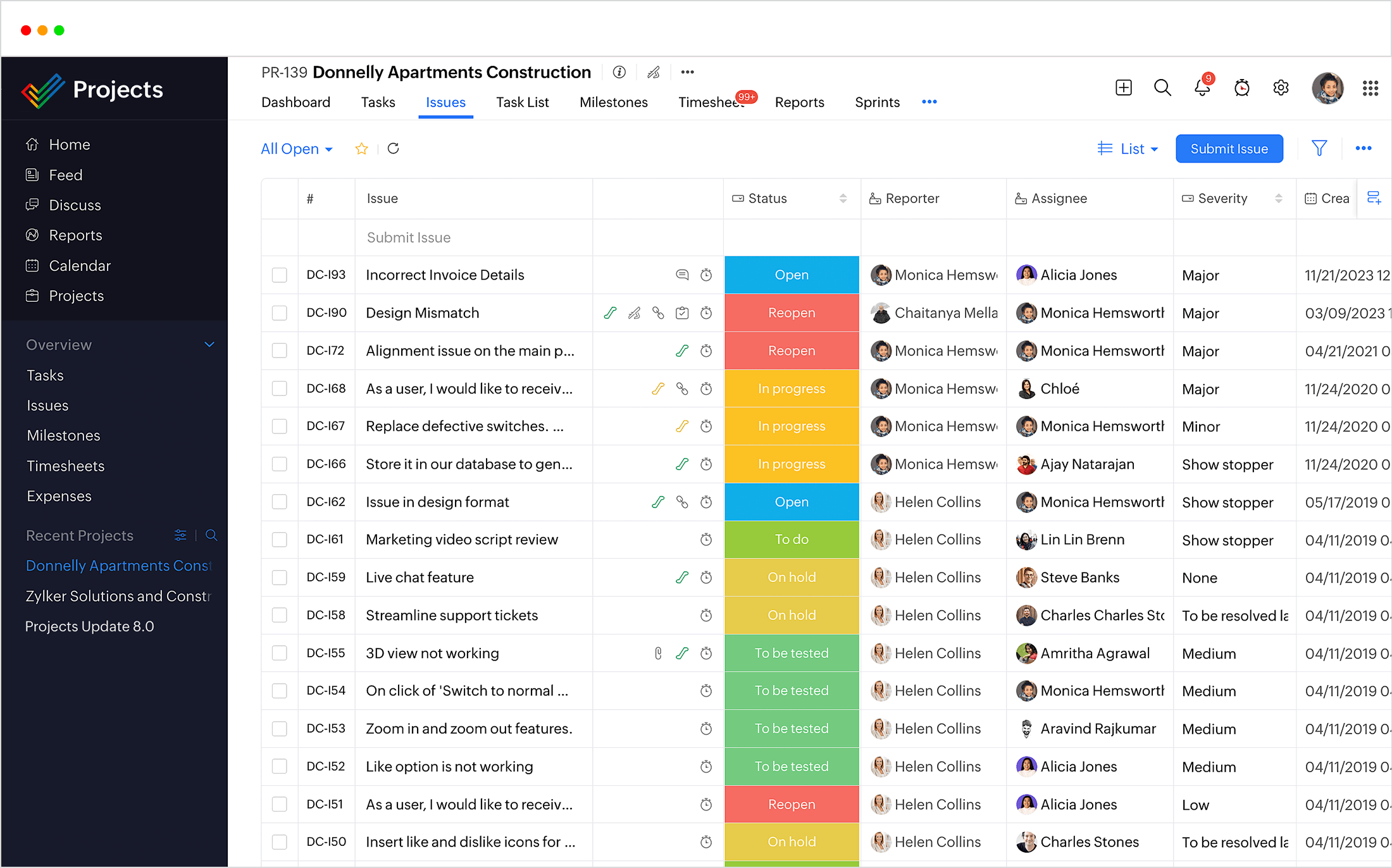
A quality analyst's job doesn't end with finding bugs, it only starts there. A tester needs one central place where they can track bugs from filing to closure, assign the right people, set priorities, keep an eye on delays, manage the builds that are ready for shipping and monitor general progress.
Information is wealth
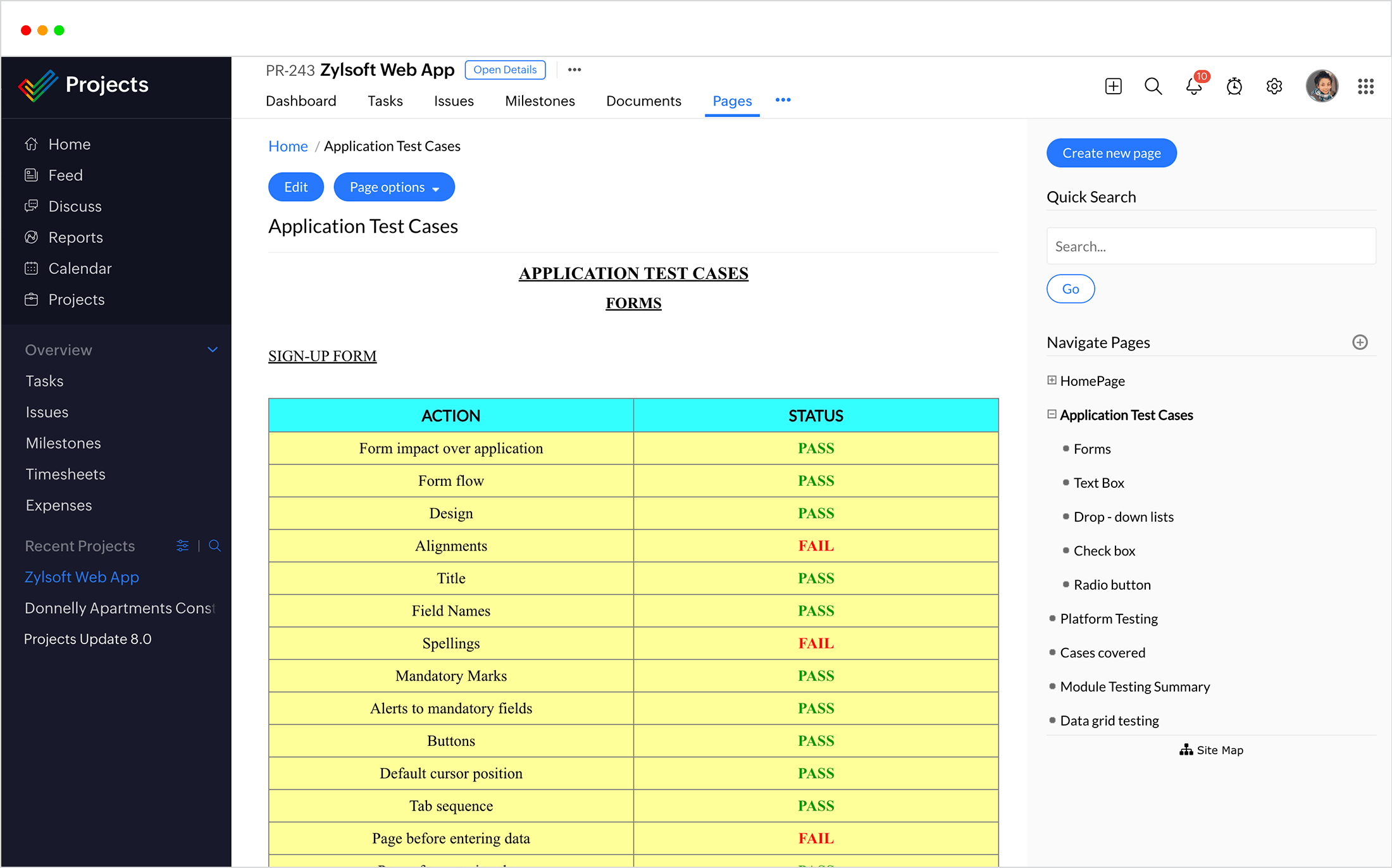
When issues are filed, it is important to include images and other supporting media so that the developers can understand them better and fix them faster. A tester also needs a place to document all use cases, test conditions, release notes and automation results.
Automated issue tracking
When critical issues are logged, manually tracking them can be cumbersome. Automated flows and rules ease the process for analysts. And who better to test an app than its users? Customer complaints and real-time crashes of the app should be monitored and automatically logged as issues.
Detailed reporting
A consolidated view of all open issues grouped by important factors like the status, severity, assignee, milestones, and more give testers an overall idea of the bugs logged, the progress so far and helps them make informed decisions based on these insights.
Why quality analysts should use Zoho Projects

Zoho Projects provides a clear and detailed hierarchy where issues can be logged under milestones and each issue can be linked to other issues or to relevant tasks. Each build can be a milestone or each feature you'd like to release can be made a milestone. Release notes on the milestone to give a clear picture of all the tasks and issues that were part of the release.

Quality analysts usually combine manual and automated testing approaches. You can access Zoho Projects' API and turn the results in your automation platform into issues in Projects. Integrations with apps like Zoho Desk and Crashlytics convert customer complaints and app crashes into issues in your project, saving time and helping speed up resolution.

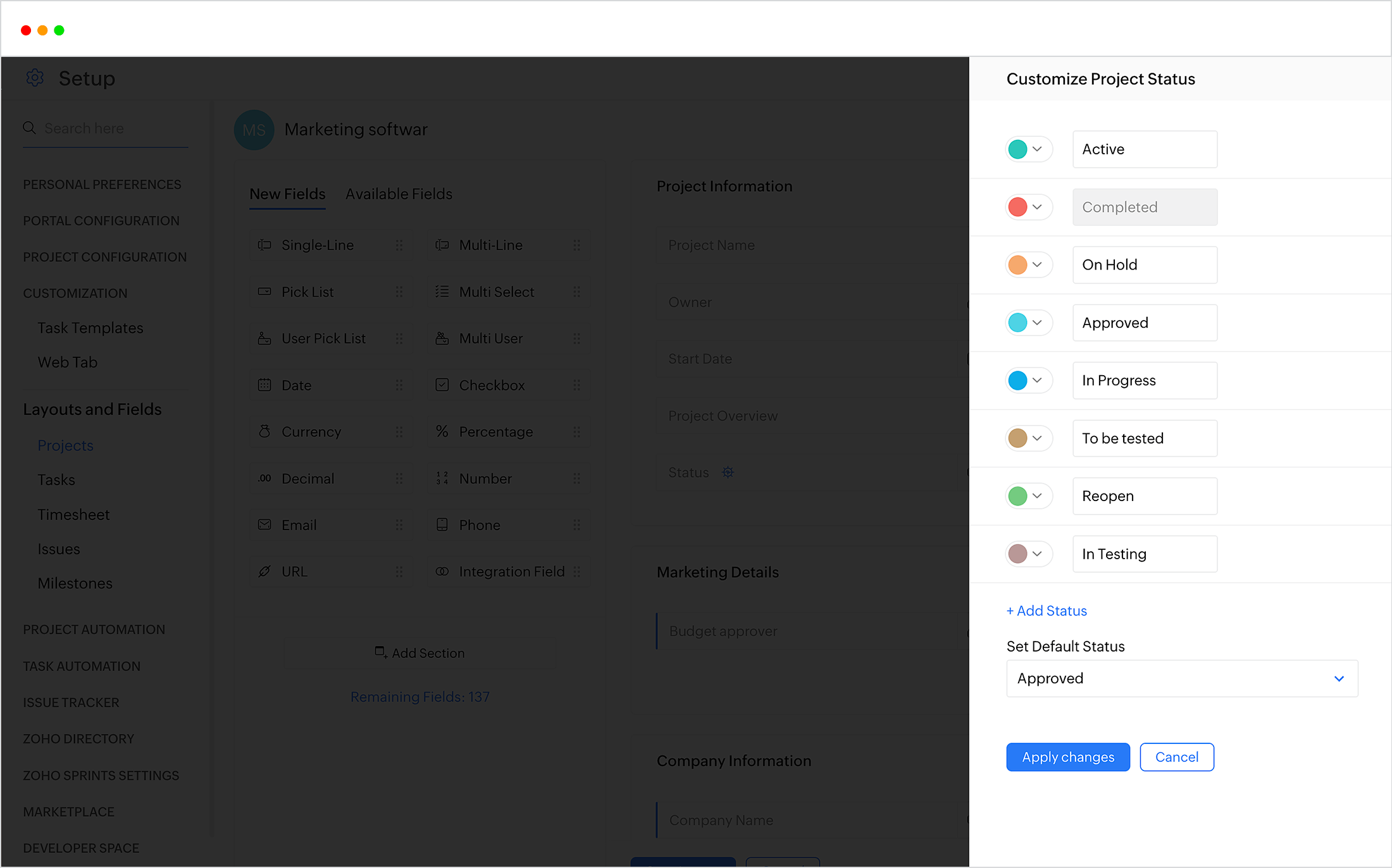
While Projects' default options are quite extensive, you might still have niche requirements for your business or team. An array of customization features like custom fields and workflows help you tailor the app to your specific needs. You can also set up email templates for the notification emails you send, file bugs from external applications using Web to Bug forms, or track dependencies between issues by linking them.

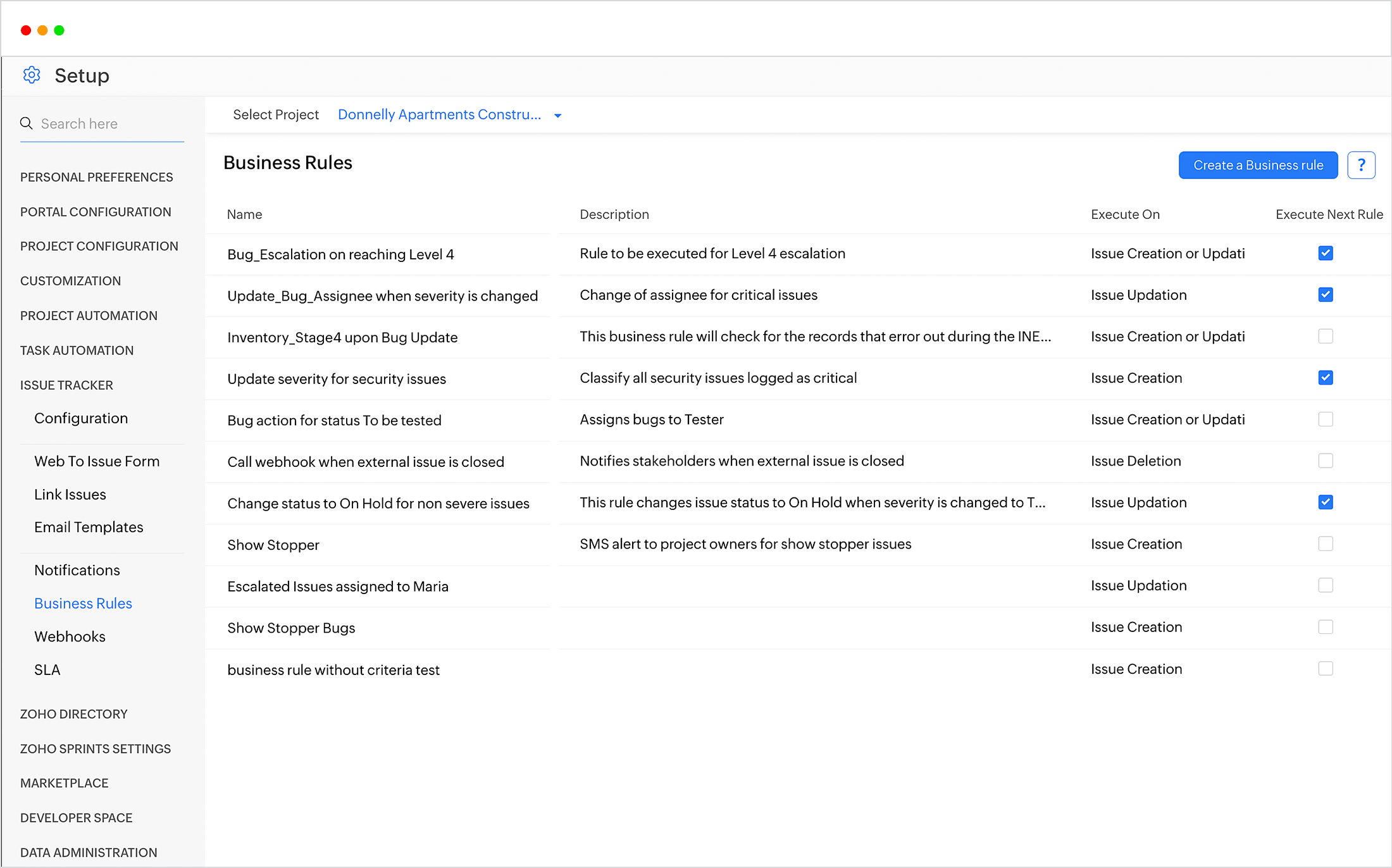
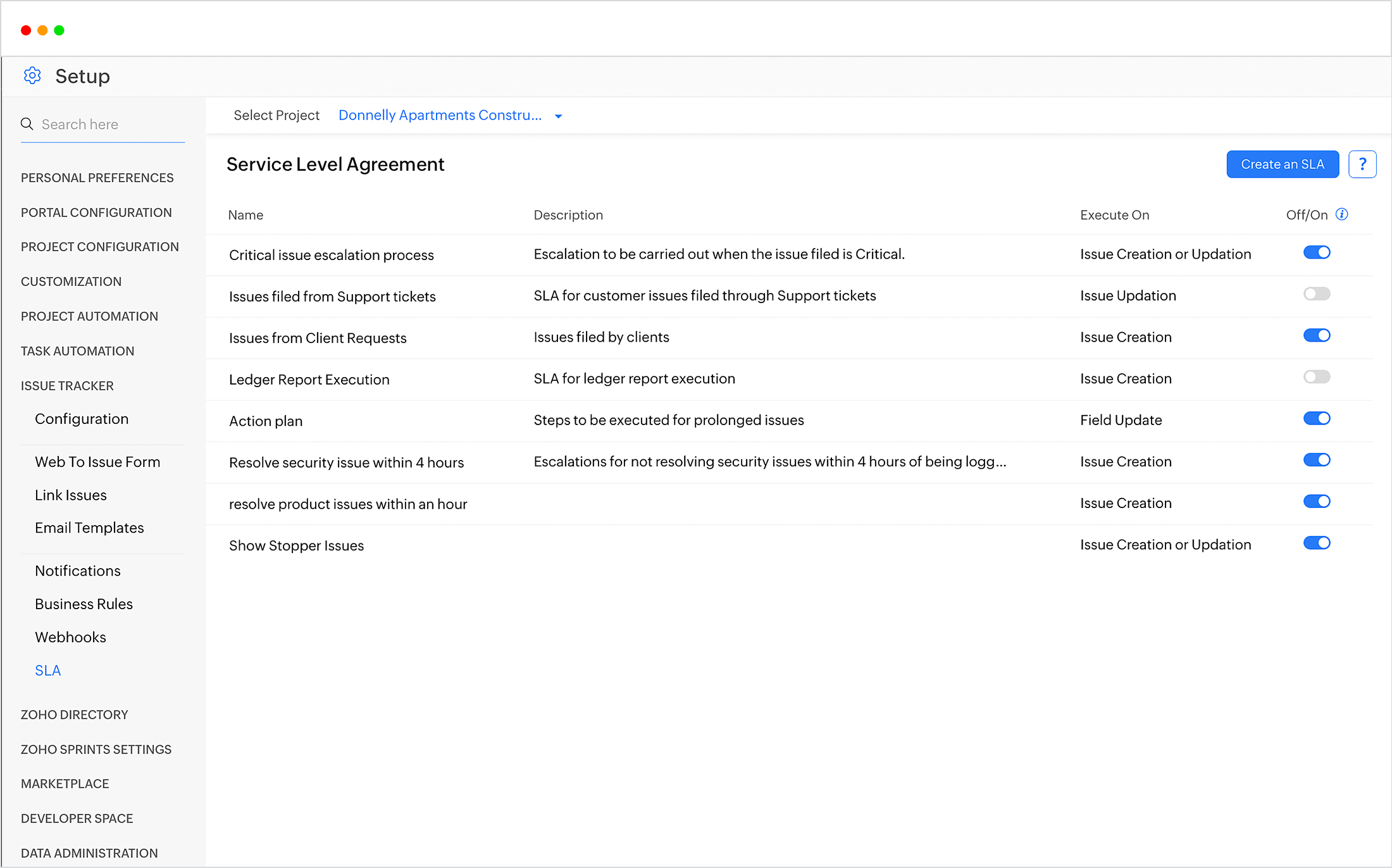
Project management software for QA teams should be able to analyze patterns and set up automated actions for you. Communicate to third party apps using webhooks, send automatic emails when a specific action takes place, or set up a whole workflow based on predefined criteria. You can even code your own functions to be executed along with business rules. Zoho Projects also has the support to create SLAs for clients and trigger escalations as and when required.
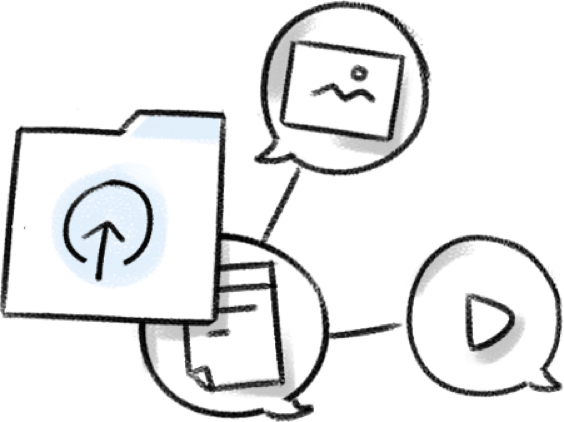
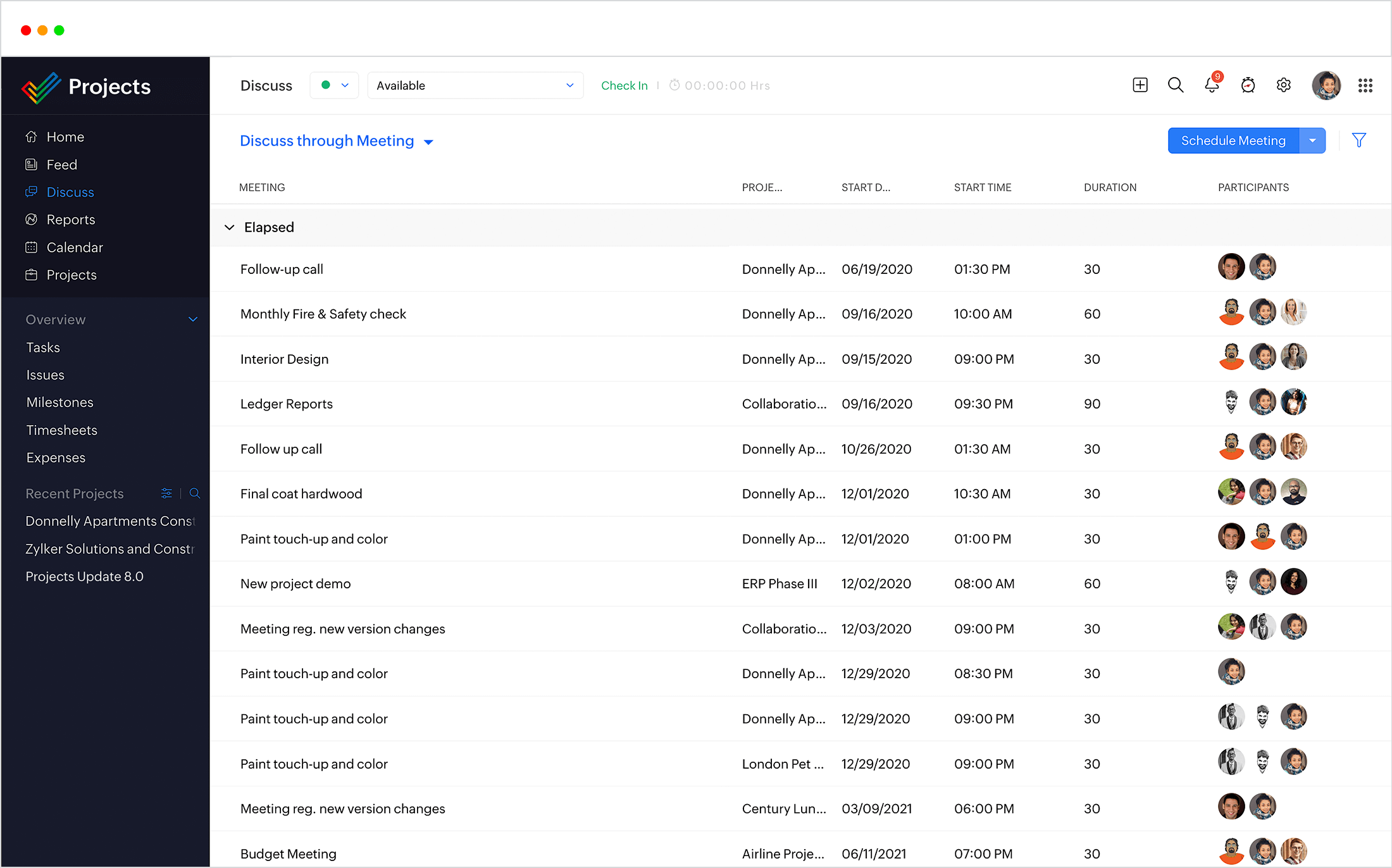
Zoho Projects is integrated with Zoho Docs to enable easy sharing of images and videos to better explain the use case. You can also upload files from other third party apps like Google Drive, Dropbox, and more. For tasks that need even more explanation, you can schedule an online meeting and share screens using the Zoho Meeting integration.

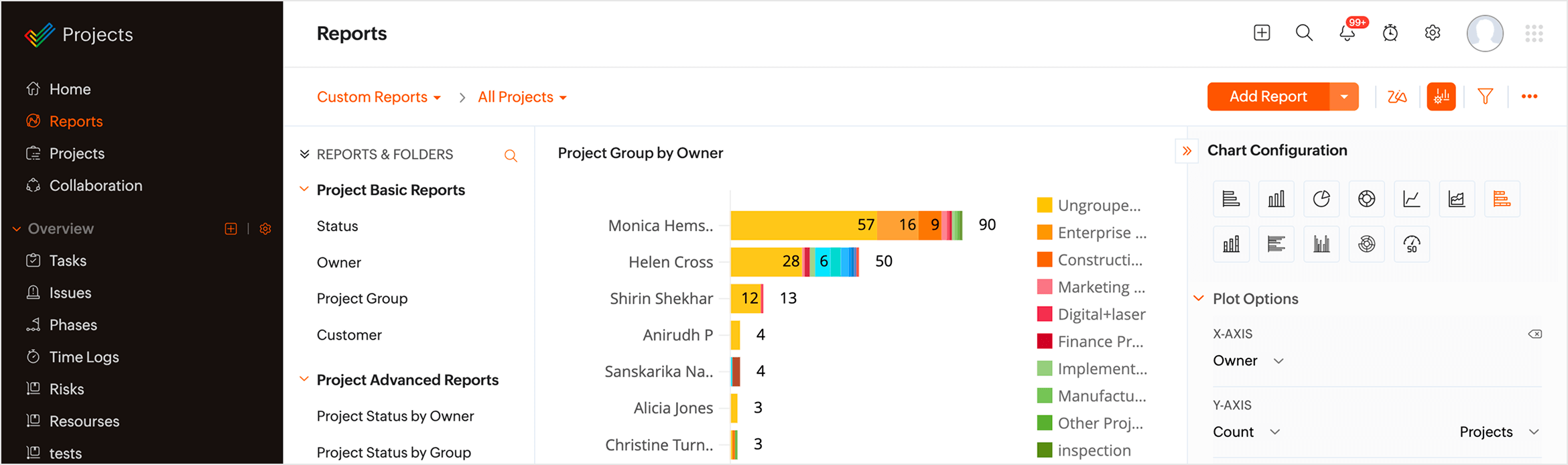
Zoho Projects has loads of reports that give important insights like the count of bugs under different milestones, statuses, security levels, how many bugs are reproducible and more. For more insights, you can create and save advanced and customized reports. You can also generate monthly timesheet reports of the hours logged under different work items.
A clear record of progress

Zoho Projects provides a clear and detailed hierarchy where issues can be logged under milestones and each issue can be linked to other issues or to relevant tasks. Each build can be a milestone or each feature you'd like to release can be made a milestone. Release notes on the milestone to give a clear picture of all the tasks and issues that were part of the release.
API support and contextual integrations
Quality analysts usually combine manual and automated testing approaches. You can access Zoho Projects' API and turn the results in your automation platform into issues in Projects. Integrations with apps like Zoho Desk and Crashlytics convert customer complaints and app crashes into issues in your project, saving time and helping speed up resolution.
Customized issue tracking
While Projects' default options are quite extensive, you might still have niche requirements for your business or team. An array of customization features like custom fields and workflows help you tailor the app to your specific needs. You can also set up email templates for the notification emails you send, file bugs from external applications using Web to Bug forms, or track dependencies between issues by linking them.
Automated actions and timely escalations
Project management software for QA teams should be able to analyze patterns and set up automated actions for you. Communicate to third party apps using webhooks, send automatic emails when a specific action takes place, or set up a whole workflow based on predefined criteria. You can even code your own functions to be executed along with business rules. Zoho Projects also has the support to create SLAs for clients and trigger escalations as and when required.
Clearer communication
Zoho Projects is integrated with Zoho Docs to enable easy sharing of images and videos to better explain the use case. You can also upload files from other third party apps like Google Drive, Dropbox, and more. For tasks that need even more explanation, you can schedule an online meeting and share screens using the Zoho Meeting integration.
Visual insights with Reports
Zoho Projects has loads of reports that give important insights like the count of bugs under different milestones, statuses, security levels, how many bugs are reproducible and more. For more insights, you can create and save advanced and customized reports. You can also generate monthly timesheet reports of the hours logged under different work items.
Test better, ship smarter
No two testing teams validate software the same way, and that is exactly what makes their processes valuable. With Zoho Projects’ custom modules, you do more than list bugs, you design the quality backbone for your product. Shape test cycles, environments, and defect workflows so they fit your tech stack, tools, and SDLC, not the other way around.
Custom modules
Extend Zoho Projects beyond basic bug lists by modeling test plans, suites, environments, and cycles as modules tailored to your QA process.
Custom reports
Turn test execution data, defect history, and automation results into insights on risk hotspots, stability trends, and release fitness.
Custom dashboards
Create QA command centers that combine coverage, defect burn-down, environment health, and release readiness so decision-makers can greenlight deployments with confidence.
Drill down into testing data
- Build custom reports and dashboards that track what matters to QA: defect trends, coverage, execution progress, and release readiness.
- From simple pass/fail charts to detailed views by environment, component, or sprint, choose configurations that reflect your team’s definition of quality.
- Whether you are running smoke tests, full regression, or exploratory sessions, capture every signal in real-time dashboards that keep QA, dev, and product aligned.
What you can build with custom modules
Here's how you can use custom modules for managing your testing practices.
Test plan & strategy module
- Model your entire test strategy as structured records, with scope, test types, entry/exit criteria, and coverage goals in one place.
- Connect test plans to features, sprints, and releases so everyone sees exactly what is being validated before each deployment.
- Adjust priorities quickly when requirements change, without losing history on what was originally agreed to test.

Test case & suite management module
- Organize manual and automated test cases with fields for steps, expected results, priority, and mapped requirements.
- Group cases into suites and runs so QA leads can see coverage by feature, platform, and environment at a glance.
- Use custom views to surface only critical, flaky, or blocker-prone cases and keep regression packs lean and effective.

Environment & test data module
- Maintain a catalog of all testing environments (browsers, devices, OS versions, and integrations) along with their readiness status.
- Log environment issues and test data sets so teams understand whether failures are due to code, configuration, or dependencies.
- Coordinate upcoming runs across environments to prevent clashes and make better use of limited test infrastructure.

Test execution & cycle management module
- Plan testing cycles with start/end dates, assigned testers, scope, and exit criteria mapped to specific releases.
- Monitor execution in real time—how many test cases passed, failed, blocked, or remain unexecuted.
- Use cycle analytics to understand where time is spent and which areas repeatedly introduce risk.

Regression & release readiness module
- Maintain curated regression packs per product, module, or platform with clear ownership.
- Connect regression suites directly to release candidates so stakeholders see a single “ready/not ready” picture.
- Highlight gaps in coverage early, enabling informed trade-offs instead of last-minute scramble before go-live.

Intelligence for the modern team
AI-powered intelligence equips modern teams with autonomous agents, real-time insights, and contextual automation to streamline workflows and amplify human focus across any project discipline.
Model Context Protocol
Model Context Protocol (MCP) now lets you integrate Zoho Projects, along with several other Zoho products, directly to the Generative AI model of your choice. Now, you can query project data, pull task histories, and generate insights without switching windows.
- Ask AI to suggest test cases based on new requirements, draft execution plans from your release scope, or spot gaps in regression coverage, and get answers that are tailored to your current test suites and environments.
- Analyze historical project data, and take real-time, analytical decisions, with analysis from the AI model of your choice.
- Seamlessly integrate with third-party tool of your choice, and get all work done in a single window.
Agentic AI COMING SOON
Agentic AI takes this further by enabling Zia to act autonomously on your behalf. Train Zia Agents to monitor test execution progress, assign test cases to available testers based on expertise, or notify stakeholders when regression coverage hits your exit criteria, all without manual intervention.
You define the rules, hand over your test repositories and failure patterns as the knowledge base, and let the agent handle the repetitive triage and assignment work while your QA team focuses on exploratory testing and quality advocacy.
Integrations
Get the added advantage of several Zoho apps and other third-party apps.
More Integrations- Zoho Desk
- Zoho Docs
- Zoho Analytics
- GitHub
- Bitbucket
- Crashlytics
- Zoho People
- Youtube




"Zoho Projects has proved to be most efficient cloud-based project tracking and bug tracking tool for us. We have even recommended Zoho Projects to some of our clients."
Rajesh RaoHCL, IT Services