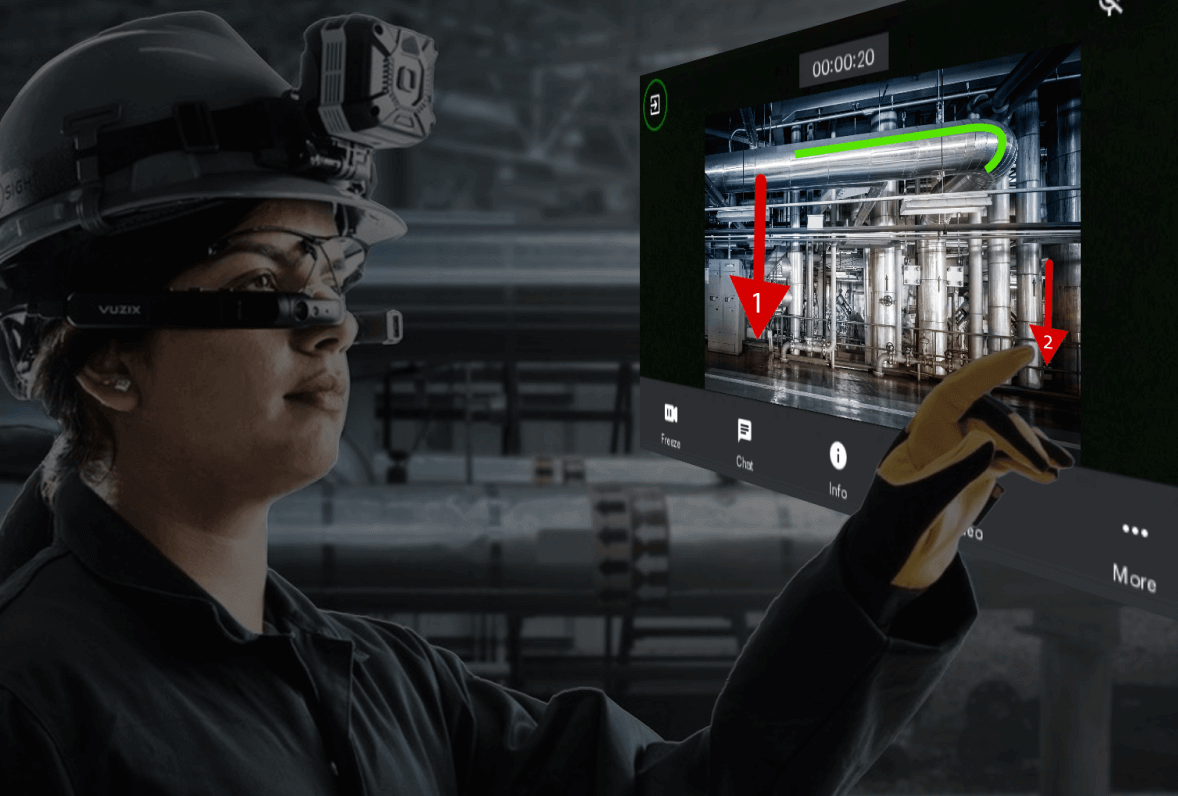
Zoho Lens: The go-to alternative for TeamViewer Assist AR
Are you looking for a better and more cost-effective alternative to TeamViewer Assist AR? Dive into this detailed guide on the defining characteristics of a robust AR remote assistance software and how Zoho Lens compares to TeamViewer Assist AR on every level.
Signup for a free trial
Choosing an alternative for TeamViewer Assist AR?
Here are a few things you need to consider while looking for an alternative to TeamViewer Assist AR.
- Look for a stand-alone app
- Make sure there's an option to try before you buy
- Does it offer a free plan?
- Does it have 24/7 customer support, even during your trial period?
- Can you save device memory with cloud storage for clutter-free devices?
Look for a stand-alone app
TeamViewer Assist AR (formerly known as TeamViewer Pilot) is currently available as an add-on to existing users. However, new and prospective users must purchase a TeamViewer license before they can get TeamViewer Assist AR for their business. With a stand-alone app, you don't have to purchase an entire suite of tools just to get the one tool that you actually need.
Make sure there's an option to try before you buy
TeamViewer Assist AR is generally not included in the standard free trial provided by TeamViewer. Users have access to remote desktop and management features but not the AR functionality of Assist AR. Businesses that want an Assist AR trial need to purchase a TeamViewer license for a 30-day trial or contact the sales or support team directly and request a custom trial or demo. With Zoho Lens, you can get an easily accessible and free AR trial with just an email signup.
Does it offer a free plan?
While TeamViewer is free for personal use, TeamViewer Assist AR is not available under that category. It's a premium product specifically tailored for industries needing AR capabilities. Businesses have to subscribe to a paid plan before they can access Assist AR for commercial use. On the other hand, Zoho Lens comes with a free plan for personal and commercial use, offering the flexibility for small businesses to enter the AR niche.
Does it have 24/7 customer support, even during your trial period?
TeamViewer provides an extensive knowledge base and active community for all resources related to TeamViewer Assist AR. But, when it comes to direct customer support, it's available only to licensed users. Free or trial users in need of technical assistance don't have the option to contact a product expert. They can only refer to online resources and sort things out themselves. With Zoho Lens, free and trial users can contact the customer support team at any hour to get immediate assistance for their problems.
Can you save device memory with cloud storage for clutter-free devices?
By default, technicians who record their TeamViewer Assist AR sessions or take screenshots are prompted to choose a file path and save their sessions files in local storage. TeamViewer doesn't come with cloud storage; businesses have to follow a complex setup process to upload their session files to their own cloud storage network (self-hosted or third-party services). On the bright side, Zoho Lens has built-in cloud storage, where session recordings, snapshots, and notes are stored automatically once the technician ends a session.
TeamViewer Assist AR or Zoho Lens? We've got you covered.
- Zoho Lens
- TeamViewer Assist AR
- Edition
- Trial
- Free
- Standard
- Professional
- Trial
- Lite
- Professional
- Pricing
- 15 days Trial
- 15 days Trial
- ~$27
- ~$52
- Supported platforms/devices
- Mobile (Customer and technician)
- Desktop (Technician/Expert)
- Rugged device support
- Smart-glass support
- Upto 10 smartglasses/ license
- In-session features
- Number of sessions per month
- Unlimited
- Unlimited
- Unlimited
- Unlimited
- Unlimited
- Unlimited
- Unlimited
- Offline recording/Tutorial
- Session invite (SMS, email)
- 5 SMS / month
- One click session request
- HD VoIP and Chat
- File sharing
- Snapshots/Screenshot
- Session notes
- AR annotations
- AR comments
- Schedule session
- OCR (live text)
- QR/barcode scan
- Simultaneous session
- 4
- 1
- 2
- 4
- 1
- 1
- 1
- Multi-expert sessions
- Session summary
- Session recording
- Screen sharing
- SAML SSO (single sign-on)
- Enterprise management
- Session history/ Call history
- Session insights (session analytics)/ Connection reporting
- Basic
- Advanced
- Import contacts
- 24/7 customer support
- Action log viewer
- User management
- Cloud file manager
- Customizations
- Rebranding
- Custom domain mapping
- Email configuration
- Custom email templates
- Custom solutions (API)
- Mobile SDK
- Sold separately
- Sold separately
- Sold separately
- Security
- 256 bit AES encryption
- Multi factor authentication
- Two Factor Authentication
- Two Factor Authentication
- Two Factor Authentication
- Integrations
- Zoho Desk integration
- Zoho CRM integration
- Zoho Calendar integration
- Zoho Assist integration
Why is Zoho Lens the best alternative to TeamViewer Assist AR?
Zoho Lens offers you a plethora of AR and organization management tools to help you provide secure visual support to your remote users. Here are a few of our features that you might find useful while evaluating us.
Remote camera sharing
Technicians can get live visuals of a customer's issue through their device camera, and conversely, they can share the video feed from their device with a customer for demonstration purposes.
Live text and virtual code reader
Get crucial product information from text labels, QR codes, or barcodes on equipment using the OCR and QR/barcode scan feature in Zoho Lens. You can also save the scanned information to your session notes for future reference or send it to participants via chat.
Concurrent sessions
There are times when support technicians need to work with multiple customers at once to ensure timely resolutions and maintain customer satisfaction. Zoho Lens empowers technicians to work on simultaneous sessions without any interruptions.
Powerful AR tools
Provide live visual support using AR annotations, tag instructions to each annotation with AR comments, and measure remote objects in a session with AR measurement. You can use virtual pointers during multi-user collaborations for reduced visual clutter.
Session Recording
Technicians can record complex procedures or setups during a remote assistance session. Admins can also enable auto recording of all sessions conducted in an organization and use them for audit and training purposes.
Rebranding
Brand identity is crucial to businesses that support clients on an everyday basis. To help you retain your brand perception, Zoho Lens comes with rebranding options, allowing you to use your company's name, logo, favicon, and a customized portal URL while connecting with your customers.
VoIP and advanced chat
Communicate with ease through voice or chat and share images, videos, or documents with other participants through your session chat.
Easy cancellation process
You can cancel your Zoho Lens subscription at any time, directly from your application. You don't have to raise a support ticket or plan your cancellation 28 days in advance. Cancel immediately or schedule a termination date based on your preferences and needs.
Cloud file manager
Zoho Lens allows admins, super admins, and technicians with the required permissions to access, preview, download, and manage all session files such as recordings, snapshots, notes, and chats directly from their organization portal.
Provide instant support from your browser, smartphone or tablet
- Chrome OS
- Apple Safari
- Mozilla Firefox
- Microsoft Edge
- Zoho Ulaa
- Android
- iOS
- iPadOS
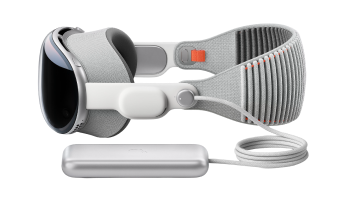
Experience hands-free assistance through these supported smartglasses

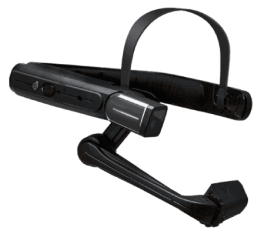

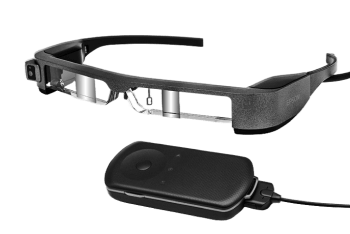

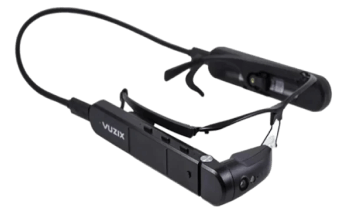

Want to make the switch? Get started with Zoho Lens today.
All you have to do is signup for a Zoho Lens trial with your email account and get access to all enterprise-grade features for 15 days. Once you're done with the evaluation, you can purchase a plan with the required technician licenses or go with the free plan for personal and commercial use.